Inspections
Inspect on the floor and close with a signature.
Build versioned checklist templates, capture results on a phone or tablet (even offline after loading), and close inspections with a password-confirmed signature. Failed answers can open CAPAs automatically.
Versioned templates
Checklist questions are locked once used, so past inspections keep their exact questions.
Floor and offline capture
Record answers and photos on mobile; queued attempts sync and conflicts go to review.
Signed closing
Closing asks for your password and writes a permanent signature.
Automatic CAPAs
Rules by plant, type and failure count open CAPAs, with duplicate protection.
Trends
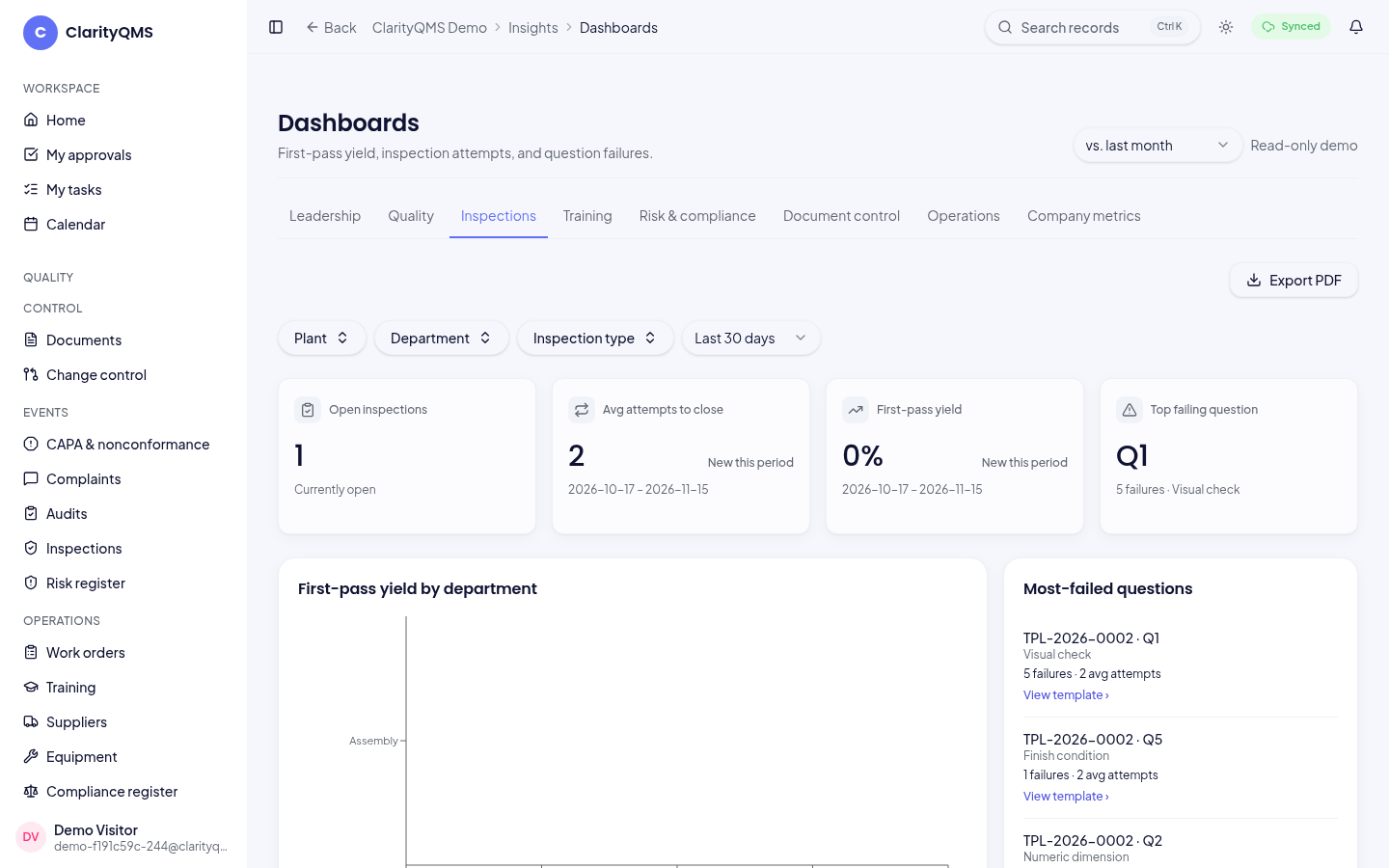
Pass rates and failures by plant, template and period.
Key capabilities
- Root cause on failures, escalated to CAPA or 8D
- Versioned, immutable checklist templates
- Offline-capable mobile capture
- Password-signed closing
- Rule-based automatic CAPAs
- Inspection trend dashboards
Ready to get started?
Spin up a workspace and try Inspections with your own data.
View pricing