ClarityQMS: from signup to management review
Start with the demo, then plan your rollout around your records, access requirements, and quality procedures.
Create your workspace
Sign up with email and password. Your tenant, first plant, and SuperAdmin role are provisioned automatically — no support ticket, no config call.
- Multi-tenant isolation is set up before your first record exists
- Administrators can enable MFA (TOTP) in Security settings
- Invite teammates by email and assign roles from a pre-seeded matrix
Import or seed data
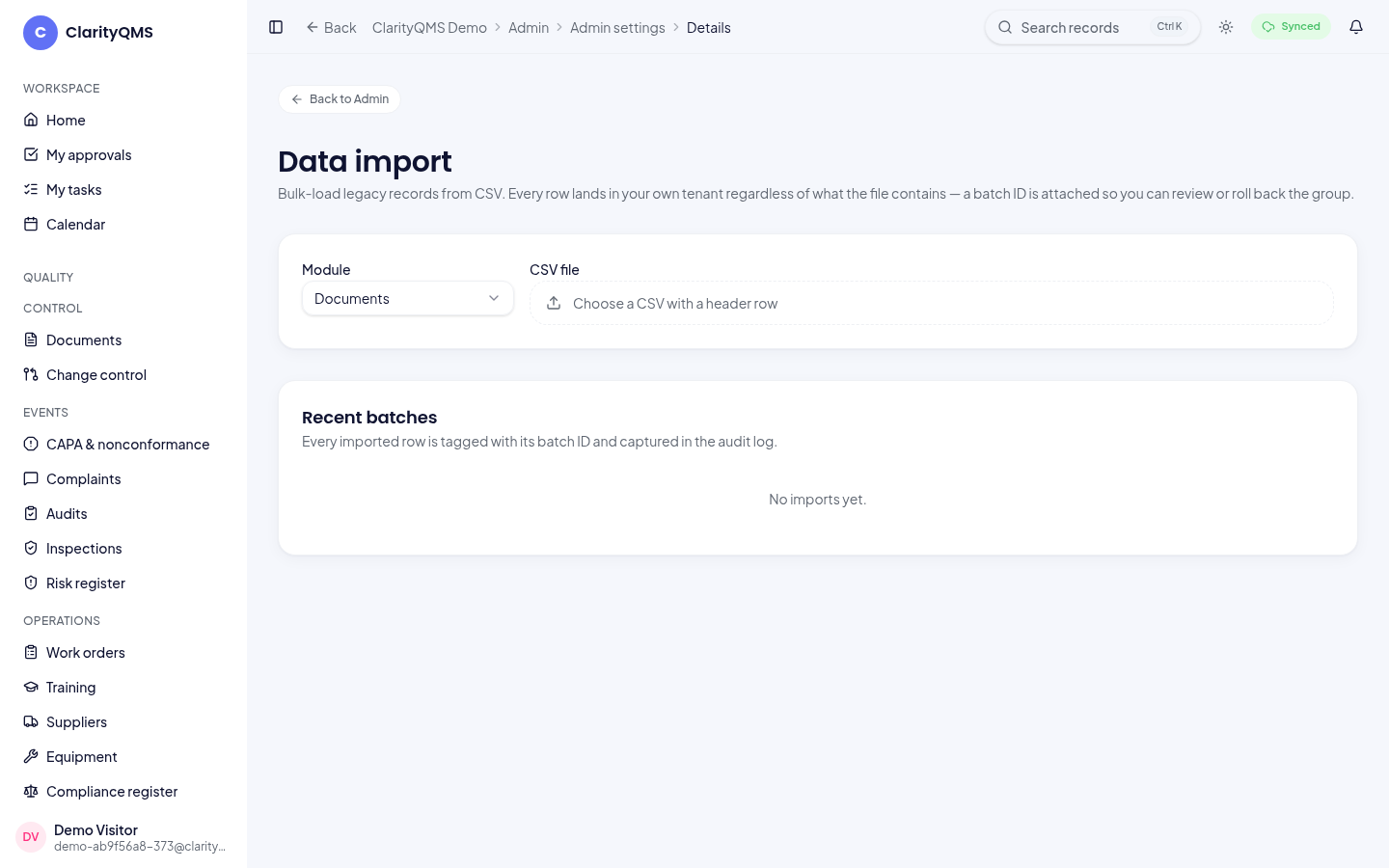
Import documents, CAPAs, and training courses through the CSV importer with row validation. Other records can be created in their modules.
- CSV dry-runs preview every row before it lands
- Explore sample records in the separate demo workspace
- Attachments up to 25 MiB with MIME allow-listing
Configure your modules
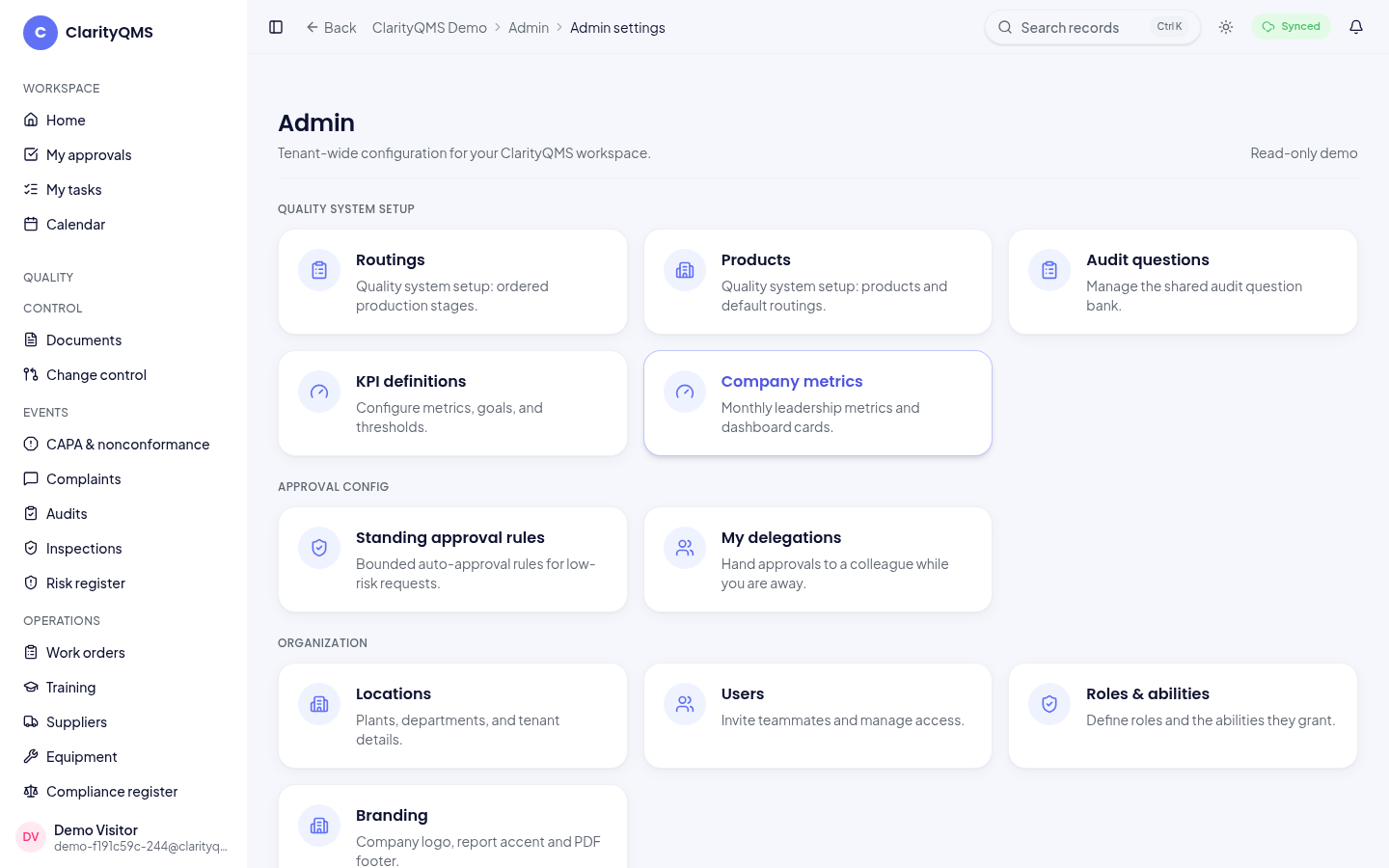
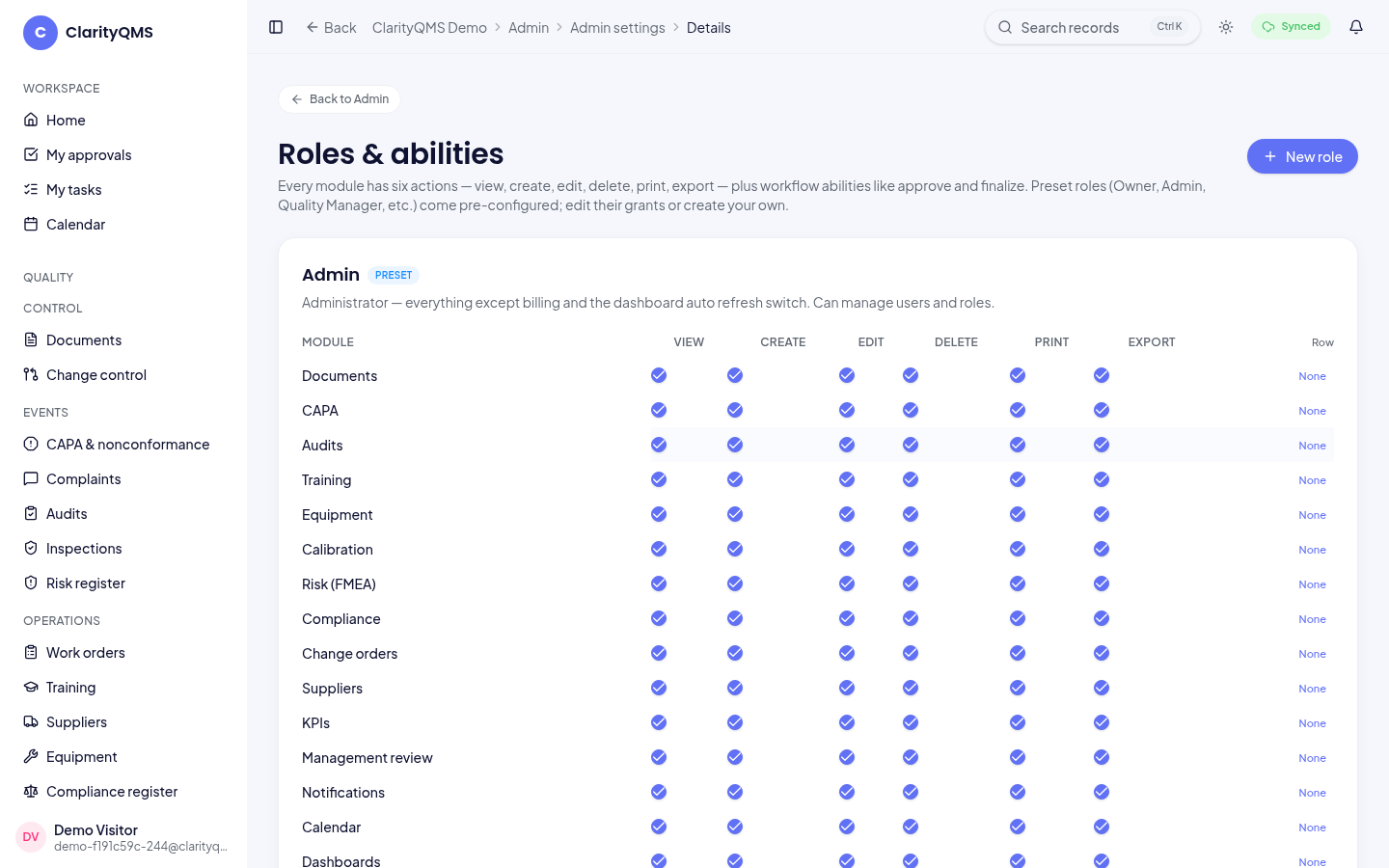
Choose your first workflows and assign permissions for the modules your team will use.
- Twelve integrated modules with role-based permissions
- Reusable audit question banks and CAPA templates included
- Per-plant scoping so every site sees only its own work
Run your first workflow
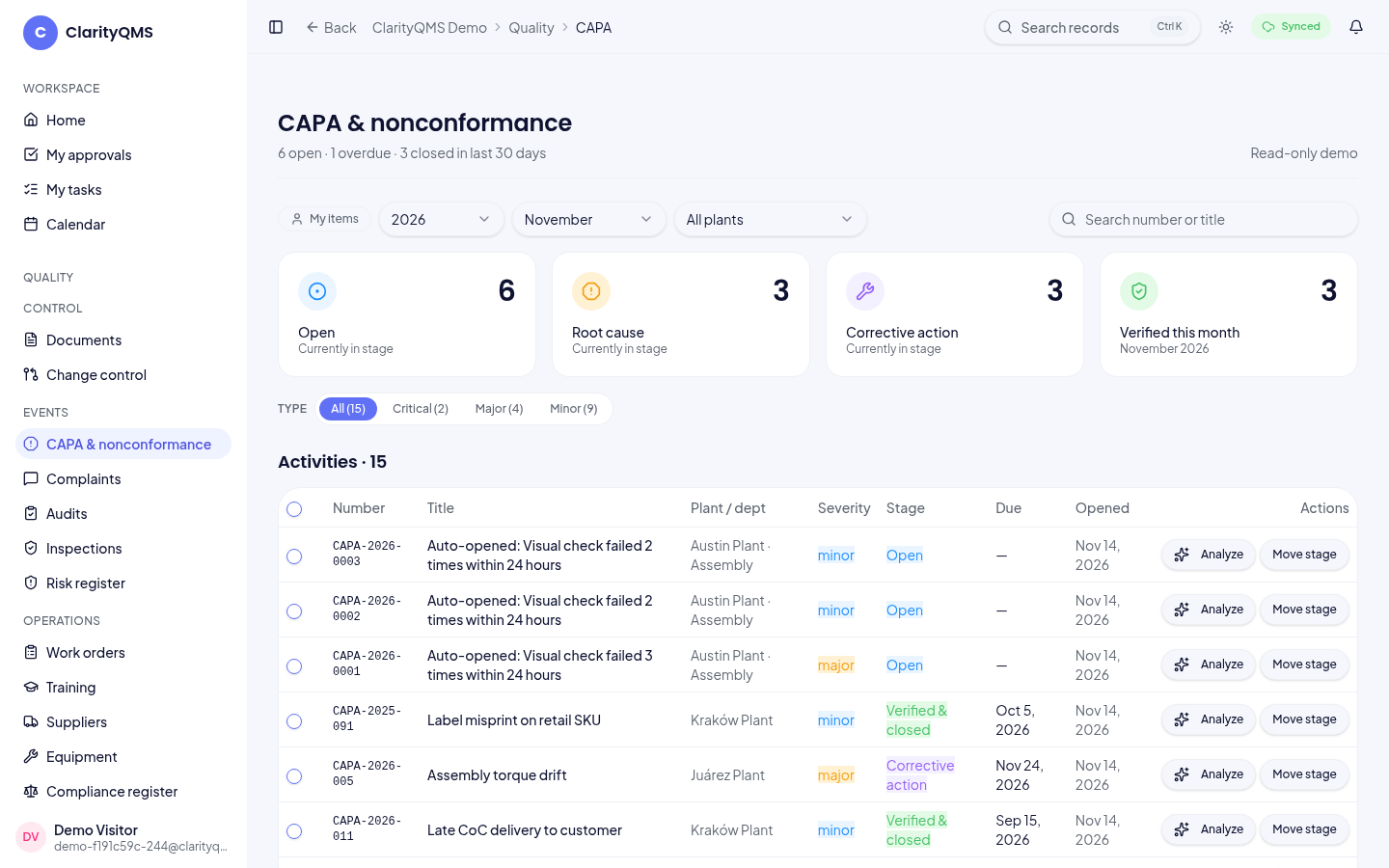
Open a CAPA from a finding, launch an internal audit, or schedule a calibration. Every action writes to the audit trail and shows up on the unified calendar.
- Kanban approvals across documents, ECOs, and CAPAs
- Findings link straight to CAPAs, which link to verification
- Cross-module notifications, deduplicated to one calm stream
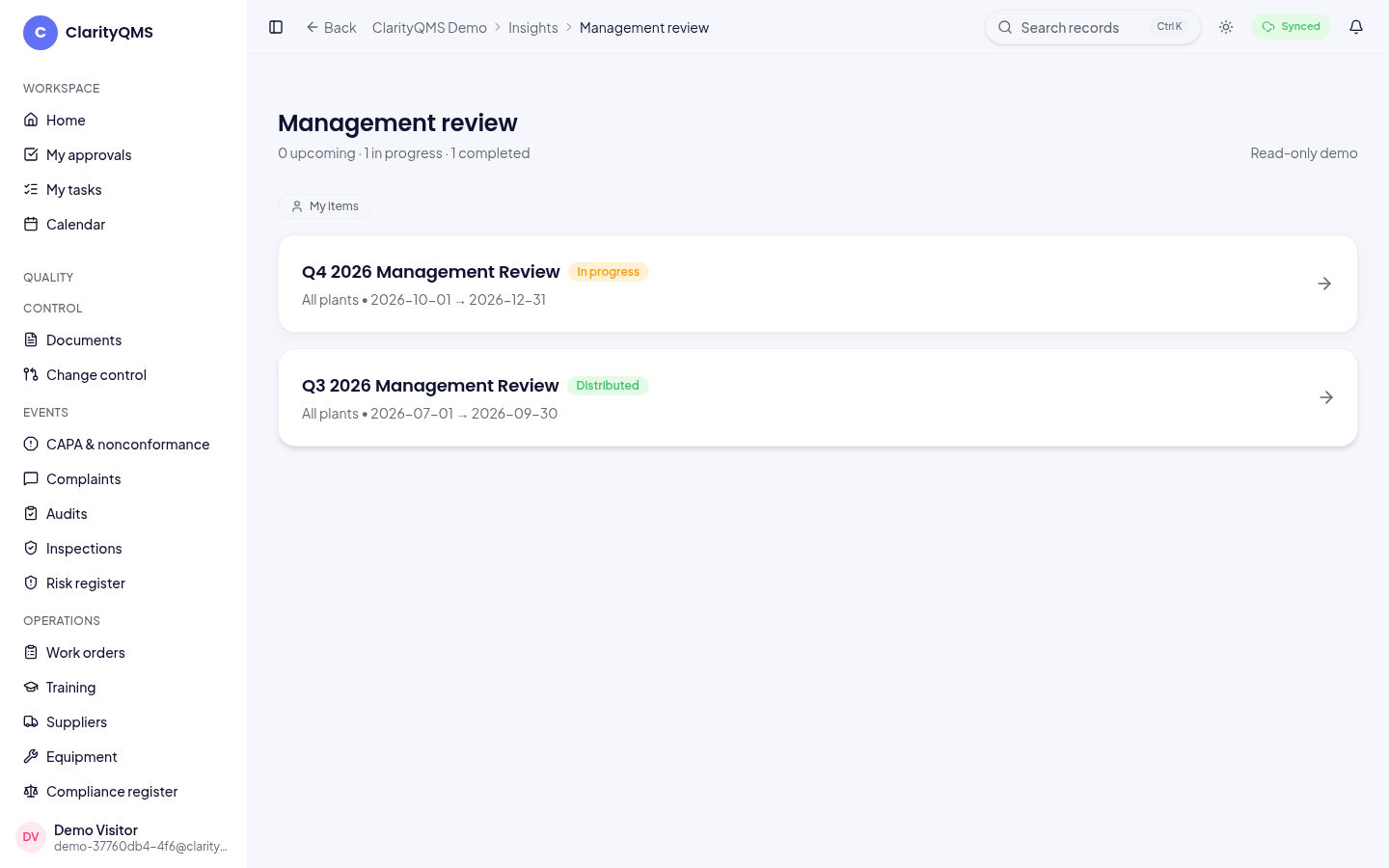
Trigger your first management review
Refresh review inputs from audits, CAPAs, documents, and training; add risks, compliance obligations, and manual inputs as needed.
- ISO 9001 / 14001 / 45001 aligned review agendas
- Refreshable inputs from supported quality modules
- Actions flow back into CAPA with owners and due dates
Measure, iterate, roll out
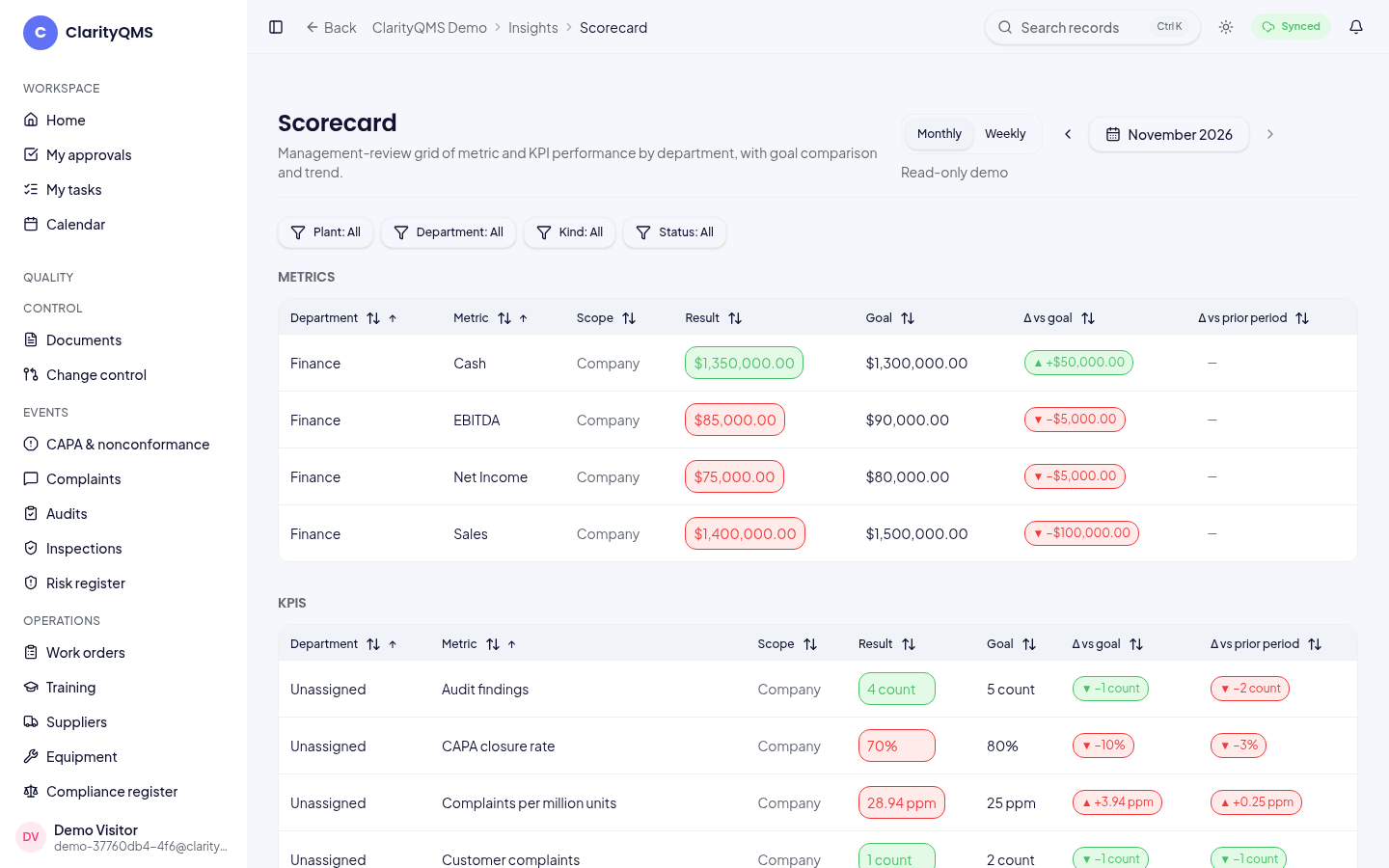
Watch the KPI scorecard go green. Add another plant. Turn on suppliers. Publish the supplier portal. Everything scales with you, without touching security.
- Multi-plant rollup views for executives
- Supplier portal with private, scoped access
- Legal & compliance register with renewal reminders
An example rollout timeline
An example rollout sequence; adapt it to your team and quality procedures.
Common questions
Ready to try it on your own data?
Explore the demo tenant first, or create a workspace and start importing.